 FacilityCare IQ
Cleaning Software Built for Medical & Dental Offices
Medical and dental office cleaning: a checklist per area on the cleaner's phone, the practice's notes and alarm code, a GPS time clock, and photos when the practice asks. Start free.
See it in the product
Captured from a live account.
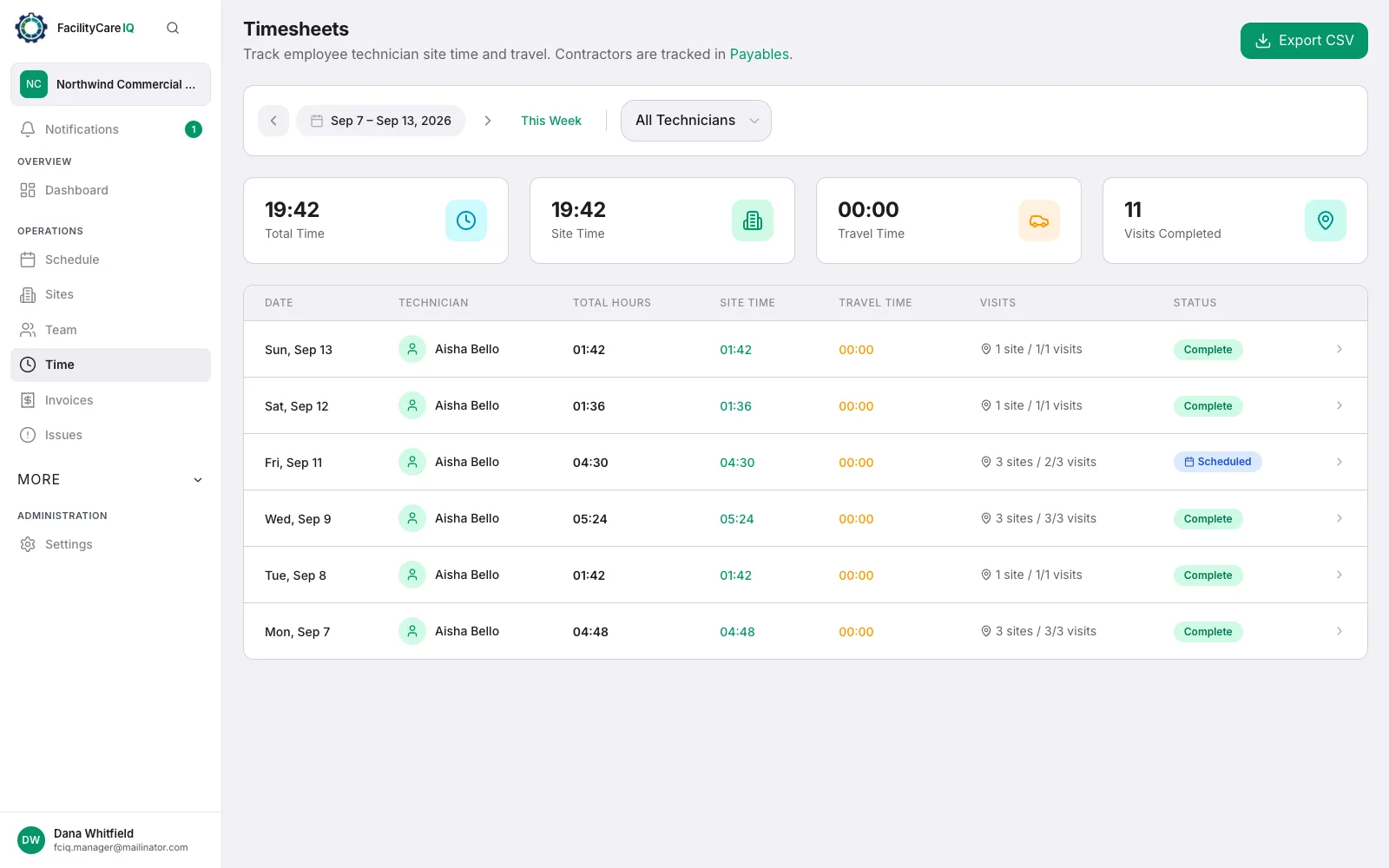

Medical and dental offices expect a higher standard of clean and a crew that follows the practice's rules: clinical rooms kept separate from the waiting area, restrooms done a particular way, sharps containers and specimen areas left alone. FacilityCare IQ puts those rules where the cleaner will see them. Each practice is a site with its address, alarm code and contact; its checklist is split by area — exam rooms, waiting room, restrooms, staff kitchen — and your note for the site sits on the job card in the cleaner's own language. The time clock records who was in the building and when, with a GPS check at the door. Turn on after photos for the practices that want them, and share any visit with the office manager by link. FacilityCare IQ is not a compliance or infection-control system and does not produce OSHA or other regulatory reports; it keeps the protocol in front of the crew and a record of every visit.
Why Medical & Dental Offices Cleaning Companies Choose FacilityCare IQ
Purpose-built tools for cleaning companies serving Medical & Dental Offices.
Checklists for your facility type
Start from a ready-made checklist for the kind of building you clean and adjust it per site, area by area. Photos stay optional; switch on after photos for a site whose client wants them.
A record of every night
Clock-in and clock-out times, the completed checklist and any photos sit on the visit. Share a visit with the client by link when they ask.
Clients see their visits
Clients log in to see the visits you share with them and their invoices — no report to build, nothing to email.
Site notes that reach the crew
A change at a building — a new alarm code, a room to skip — goes on the site card and shows on the crew's job card the same night.
How It Works
Up and running in minutes, not weeks.
Add your sites
Address, door code, contact, contract rate and who cleans it. Set the days and the time window once; every visit from then on generates itself.
Your crew clocks in and works the job card
Cleaners open tonight's job on their phone, clock in with a GPS check at the building, work the checklist in their language and clock out.
Invoice from the schedule
At month end each site's invoice is drafted from the schedule and the rate, in the client's language. Send it by email with your payment details and mark it paid when the money arrives. Export the timesheets to CSV for payroll.
Everything You Need
What cleaning companies serving Medical & Dental Offices run on, from tonight's jobs to the monthly invoice.
Frequently Asked Questions
Common questions from cleaning companies serving Medical & Dental Offices.
Learn More
Guides, definitions, and resources for cleaning companies.
Ready to Get Started?
Free to start with up to 2 facilities. No credit card required.